Platform
Everything the brain connects to.
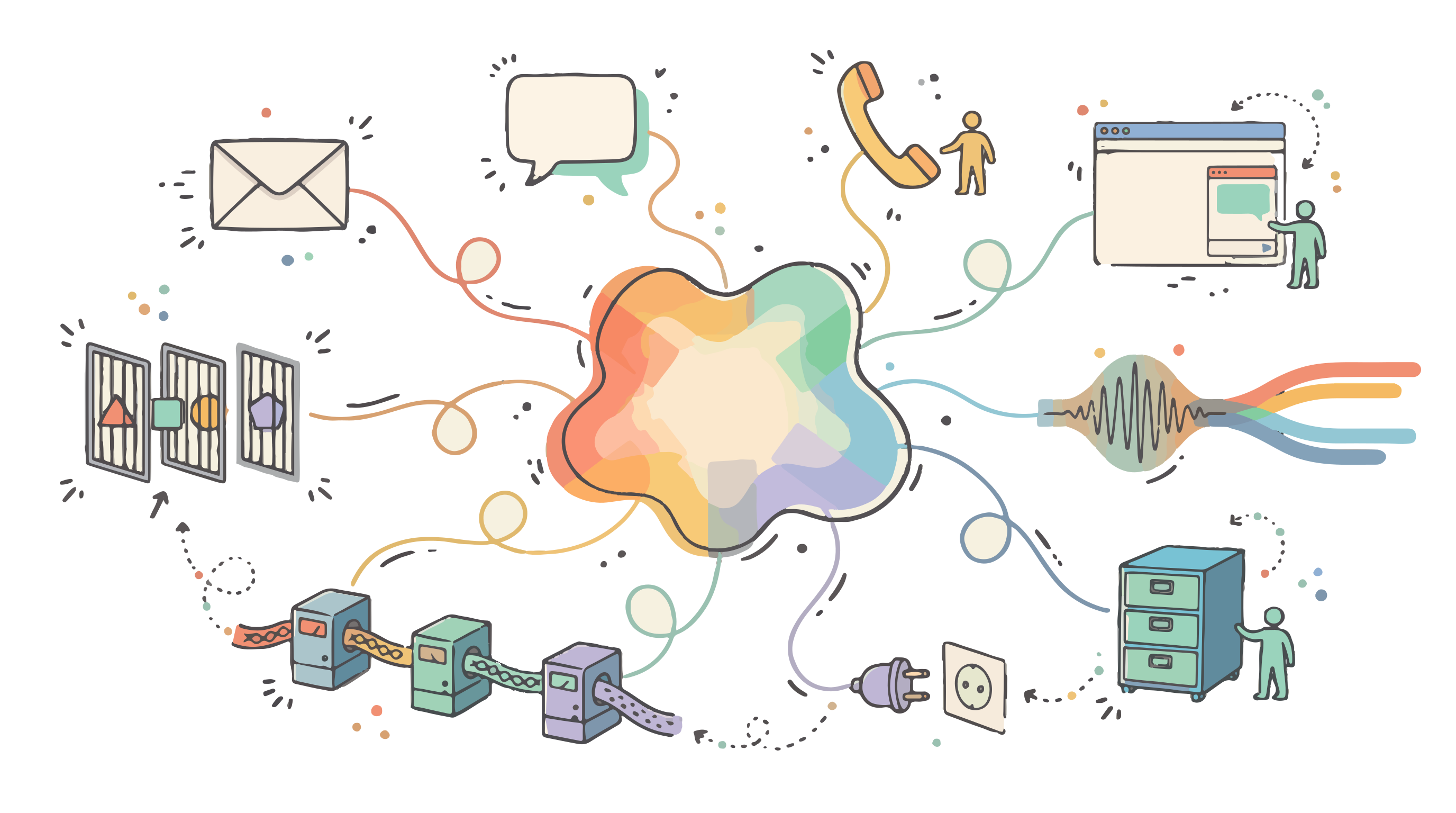
One brain, trained once, at work wherever your buyers already are: their inbox, WhatsApp, your website, a phone call, your CRM — and the AI assistant your team already has open. Here is everything it connects to, and how it stays in bounds while it does.
Channels & surfaces
Where your buyers are, the brain already is.
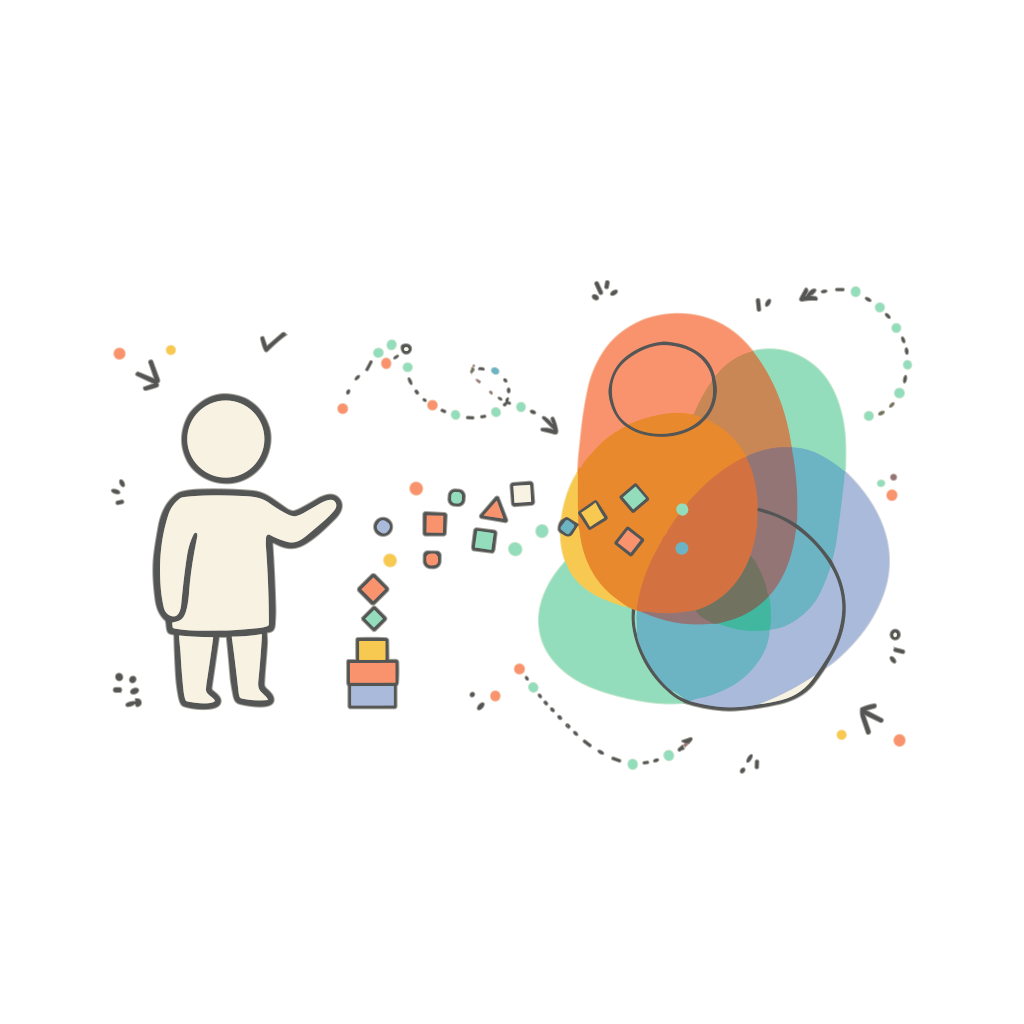
Connect a channel and switch on answering. Agents reply from your knowledge, ask one good question at a time, follow up new leads and hand over to a person when a conversation needs one. Everything above the connection — agents, rules, hand-overs, the activity record — works the same on every channel.
- WhatsApp
WhatsApp
Answer people who message your number and open conversations with new leads.
- WhatsApp Business Platform (official): your own number from your Meta Business account, with approved templates synced in one click
- Replies within WhatsApp's 24-hour window; approved templates for first contact and reminders outside it
- A linked personal phone for a quick trial — unofficial, so it is paced like a person and capped, and we tell you the risk first
- GmailOutlook
Gmail & Microsoft 365
Connect a sales@ or enquiries@ inbox with Google's or Microsoft's own sign-in. Appricity never sees the password, and disconnecting revokes its access.
- New mail arrives instantly where the provider supports it
- Replies stay threaded with the conversation
- Signatures added at send time, never written by AI, in every language you sell in
Any other mailbox (IMAP/SMTP)Beta
Almost any mailbox works: iCloud, Yahoo, Fastmail, Zoho, AOL, GMX, IONOS, your web host's mail or your own server. Server settings are filled in for the common providers.
- Checked every minute, with triage, answering and opt-outs exactly as for Gmail
- Encrypted connections only; the password is stored encrypted and never shown again
- Optionally files what the agent sends in your Sent folder
Website chat
Paste one snippet and an agent answers visitors in a chat panel, in your brand, at any hour. Improvements reach your site without you touching the snippet again.
- Allowed origins stop other sites reusing your embed
- Can offer collateral — a comparison, a one-pager — as a tracked link
Meetings, booked and run
Agents offer times in the contact's own time zone, book inside the conversation, and are live on the meeting link at the booked time.
- Confirmation, calendar invitation and reminders sent for you
- No-shows get a polite reschedule and one follow-up — then nothing more
Leads from anywhere
New leads arrive from a hosted form, a signed webhook, a CSV of up to 5,000 rows, your CRM or by hand — each source with its own versioned consent text.
On every channel, agents answer in English, French and Arabic — in the language the buyer used.
Voice & phone
A voice agent that knows what it's talking about.
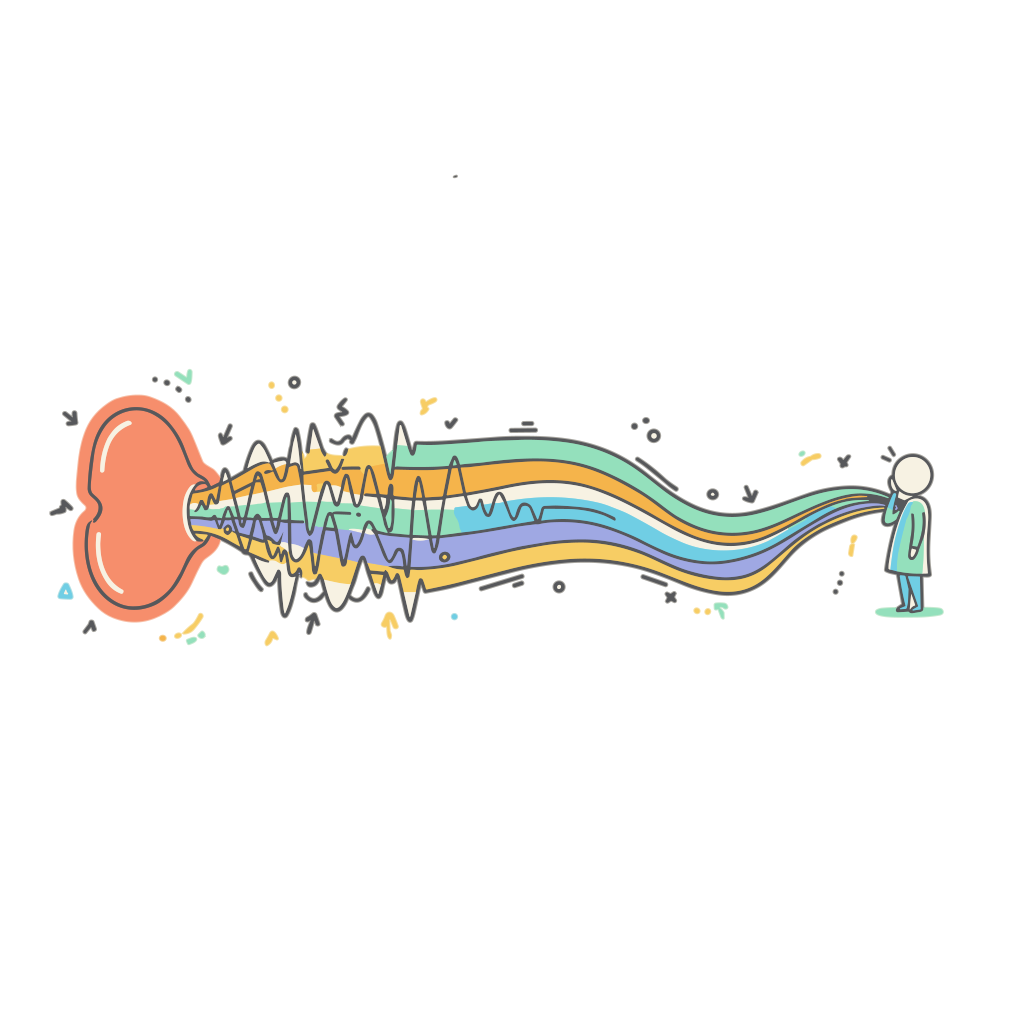
Agents call buyers from your own phone numbers, and buyers can speak with them in real time on a hosted talk page or in a booked meeting — answered from the same knowledge as every other channel. An agent can be interrupted mid-sentence, like a person, and opens every call and conversation with a spoken AI disclosure that cannot be removed.
- TwilioTelnyx
Phone calls via Twilio & TelnyxBeta
Connect your own numbers and agents call from them. Every call, and the numbers it was made from, is listed in one place.
- Twilio: connect a number with its Account SID and an auth token or API key
- Telnyx: connect a number with an API key and the Call Control connection it belongs to
- Every call opens with the spoken AI disclosure
- Each call's transcript and outcome land in Activity
- In developmentAnswering inbound calls on the same numbers
Talk page, in the browser
Put an agent on a hosted talk page and buyers speak with it straight from your website — no app, no number to dial. Allowed websites, rate limits and rotating access details keep it yours.
ElevenLabs voices
The agent's voice comes from ElevenLabs. Choose a voice per language — English, French and Arabic — with previews, including voices from ElevenLabs' wider library.
Deepgram speech recognition
Deepgram understands what the buyer says, so the brain can answer it in real time.
Bring your own keys
Add your own ElevenLabs and Deepgram accounts and voice runs on your contracts. Keys are encrypted and never shown back; leave one blank and Appricity's shared account is used.
It presents, too
Attach a pitch deck — built from your positioning or imported from PowerPoint with its speaker notes — and the agent talks each slide through, answers questions and picks up where it left off.
Pronunciation and caps
Tell it how your product and people's names are said. Cap minutes per session, per website per day and per month, so a busy page can't use up the month.
Every word on the record
Each voice conversation lands in Conversations with its full transcript, so your team can read exactly what was said.
CRM
Your CRM stays the system of record. It just gets answers.
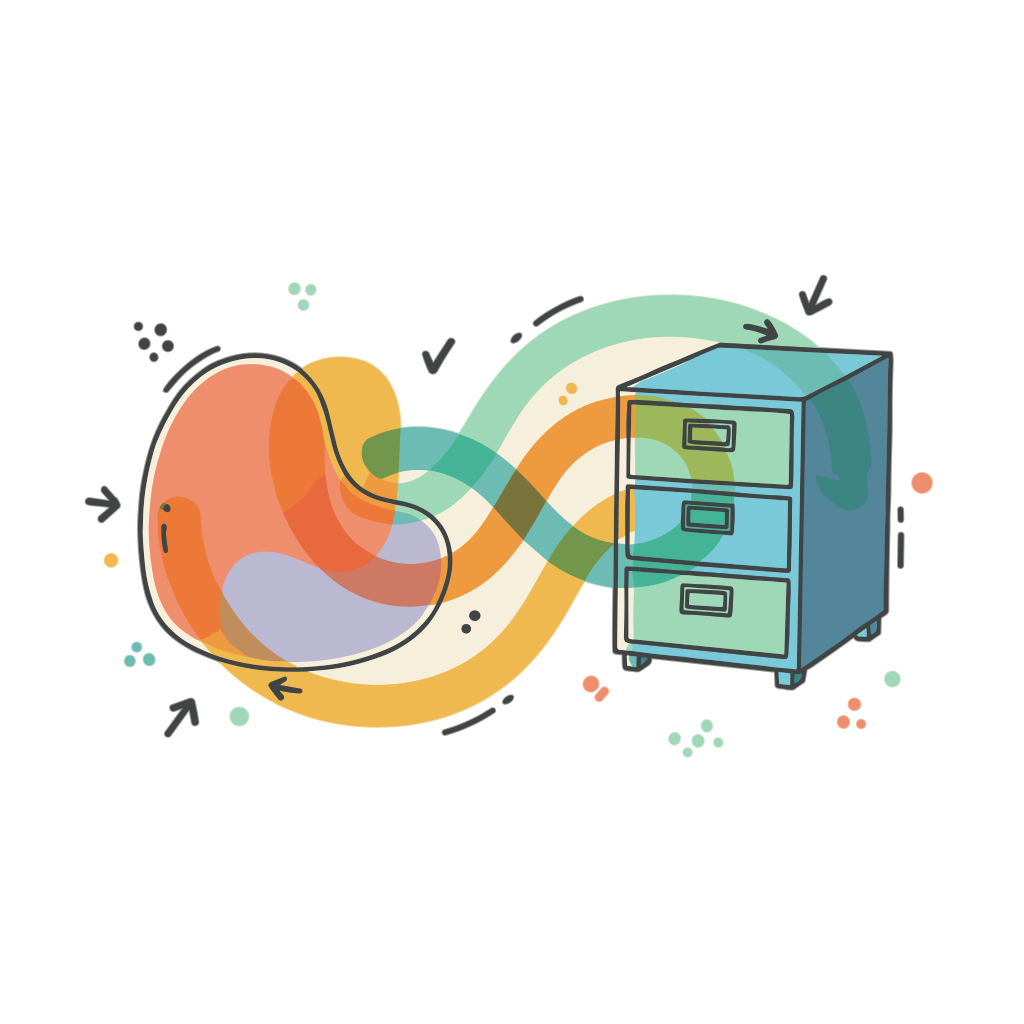
Appricity connects to Salesforce, HubSpot and Pipedrive so leads flow in, progress flows back and conversation outcomes land where your team already works. Credentials are checked with the CRM before saving, stored encrypted and never shown back.
- Salesforce
Salesforce
Connect through Salesforce's own login and consent screen, sandbox orgs included. Conversation outcomes are summarised and logged as an activity, with follow-up tasks against the account or opportunity you name.
HubSpot
Connect with a private-app token. Leads are read from the Leads object, or from contacts at the Lead lifecycle stage on accounts without it.
Pipedrive
Connect with your API token. Disqualifying a lead in Appricity archives it in Pipedrive.
Two-way, and visible
New CRM leads start a playbook. As each one is contacted, booked, qualified, disqualified or converted, the CRM lead is updated — and every write is listed under Outbound operations, where a failed one can be retried.
Using a CRM we don't have a built-in integration for? Connect it as an MCP server, below.
MCP · Model Context Protocol
Open in both directions: your tools in, your brain out.
MCP is the open standard most AI products now use to share tools. Appricity speaks it both ways: your agents can use tools from the systems you already run, and your team can use the brain from the AI assistant they already work in.
Your tools, in your agentsBeta
Add any MCP server — your CRM, help desk, order database or docs tool — and agents can read a deal's stage, check an order or look something up in the middle of a conversation.
- Sign in with OAuth, an API key or bearer token, or no sign-in
- Every tool starts switched off; approve them one at a time and choose which agents may use each
- While talking to a buyer, agents only ever use tools that read data
- If a server changes a tool, that tool switches off until you review it again
The Appricity AgentBeta
Tools that run on your own computers work too, through the Appricity Agent — so a system that never leaves your machines can still answer your agents' questions.
Appricity in your AI assistantBeta
Add Appricity to Claude, ChatGPT, Claude Code, Cursor or any assistant that supports MCP connectors. Search your knowledge, pull a competitor battlecard or meeting prep, see what your agents couldn't answer this week, draft a follow-up from approved facts, add leads and start a playbook — without switching windows.
- Three permissions you choose: Read; Ask and draft; Add and act
- It always works as you, with your role's limits, and shows in Activity as you
- It can't send messages, book meetings or place calls
- Settings → Connected apps disconnects any assistant in one click
API keys for your pipeline
Workspace API keys let your build pipeline record releases, keep your product graph current, refresh web knowledge and check demo flows without anyone logging in. Each key does only what you tick, can expire, and can never read your conversations.
Agents
One brain. As many agents as the floor needs.
There is one brain per company. Role surfaces frame it for a job — answering enquiries, qualifying leads, supporting customers — and agents are the personas people actually talk to, each with a name, a picture, a voice per language and a brand.
Answer incoming messages
Per channel, choose who gets an answer: everyone, known contacts only, or smart triage, which answers genuine enquiries and flags anything it isn't sure about for your review.
Follow up every new lead
A playbook starts the conversation with each new lead on WhatsApp or email, and follows up if they don't reply.
Know when to step back
Pricing and legal questions, an unhappy contact or a request for a person go to your team by default, with a polite message to the contact. Opt-outs always win.
Say they are an AI
Agents disclose that they are an AI — in conversation, in an email footer notice (on by default), and out loud at the start of every voice conversation.
Brand packs
How agents look and sound on your website chat and voice pages: your logo, signature layout and the department or brand a deployment introduces itself as.
Cited answers
Every answer is grounded in your knowledge, and you can open its trace to see the sources it used.
Workflows & playbooks
The work between conversations, done for you.
A workflow is a sequence of automated steps Appricity runs for you: summarising a conversation and logging it to your CRM, starting a conversation with a new lead, notifying your team. Playbooks, bulk imports and conversation outcomes all run as workflows, and you can see every run.

What starts one
A person, from the workflow's page; an event, such as a new lead arriving, a meeting being booked, a conversation escalated or an outcome recorded; a release changing state; or a schedule.
What a step can do
Ask the brain to do something, run a CRM operation, add an outcome back into your knowledge, notify your team, have an agent start a conversation, transform data, call an external system or MCP tool, or wait for an event.
Built to be trusted
Each step retries automatically and either stops the workflow on failure or carries on. A call that changes data is never retried if it may already have gone through, so nothing is done twice.
Every run, live
Runs are listed by status — queued, in progress, waiting, completed, failed, cancelled — and update step by step. Cancel a run, or fix the problem and retry from the failed step.
The built-in workflows need no editing. Writing your own is aimed at technically minded admins, with validation before you save.
The swarm
Many agents at once. One stop button.
When agents work without a person in every loop, you need a live view of what they're doing, a way to stop them, and a complete record afterwards. Swarm is the first two; Activity is the third.
Swarm, live
Refreshed every few seconds: tasks running and conversations open, conversations waiting for a runner, sends the gateway blocked and why, active stops and auto-pauses, and how much of the month's platform allowance is used.
Stop anything
Stop a single task, or — for admins — stop everything, and the platform refuses every send in the workspace until an admin lifts it. Paused work stays paused until someone resumes it, so nothing restarts by surprise.
It stops itself
Work pauses automatically if it sees an unusual number of opt-outs, refusals, negative replies or more AI spend than expected within a window you set.
One gateway for every send
Every message passes one server-side check: opt-outs, recorded consent where you require it, contact hours in the recipient's time zone, hourly and daily limits, and any stop in force. A refused send is recorded with its reason, never silently dropped.
Activity, the full record
Every message sent and received, every outcome and hand-over, filterable by task, agent, channel or contact — with the agent's individual steps and decisions when you want the detail.